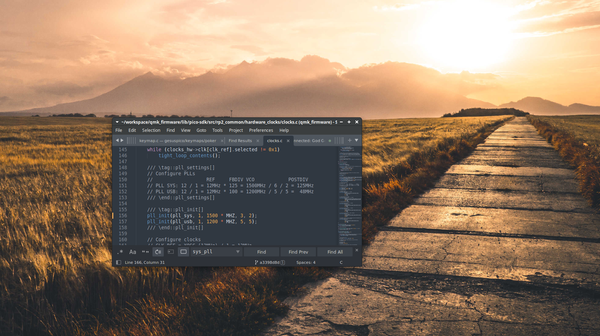
Overclocking raspberry pi pico in qmk To overclock the Raspberry Pi Pico's RP2040 in QMK, you will need to modify the PLL divider in the Pico SDK's clock.c file. You can locate this file at qmk_firmware/lib/pico-sdk/src/rp2_common/hardware_clocks/regs/clocks.c Locate the following block
Pi zero 2 W The pi zero 2 is the latest iteration of the pi family, and its here to replace the pi zero w The main change is the "SIP" : A RP3A0 system-in-package (SiP), integrating a Broadcom BCM2710A1 die with 512MB of LPDDR2 SDRAM In practice this means it's
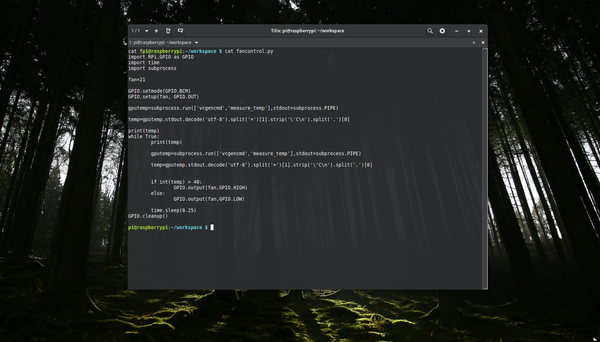
Basic raspberry pi fan control with n channel/ p channel mosfet to add a fan to your raspberry pi you can wire it directly to your 5v and ground, but to control it based on temperature you need to use a mosfet or a transistor, your gpio pins are not powerful enough to switch on a fan Mosfets there are 2
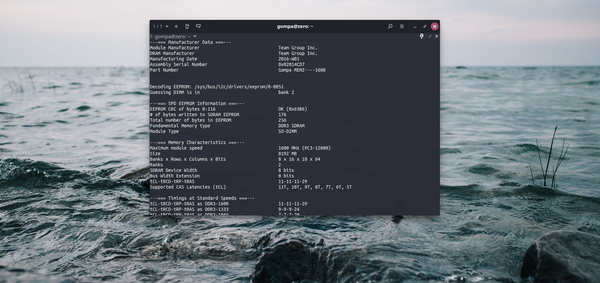
spd DDR3 SPD On ddr3 ram your motherboard uses serial presence detect (SPD) to find out information about your ram sticks. Contained within this info are the timings, frequency and part number. Most ddr3 sticks I've tested have writable spd information so with the right software we would be able to
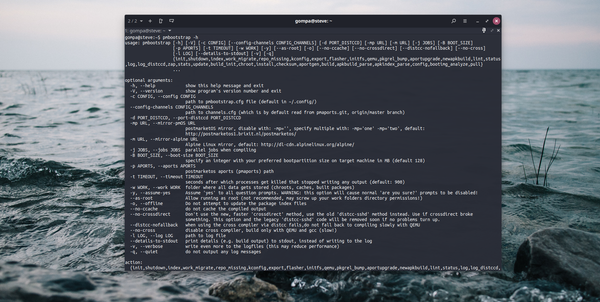
Pmbootstrap pmbootstrap is the abootstrap fork from postmarketOS it has quite some changes, and using it can be a little confusing to install pmbootstrap run : pip3 install --user pmbootstrap quick tips to get started building postmarketOS for your phone and how to use pmbootstrap first you need to initialize pmbootstrap by
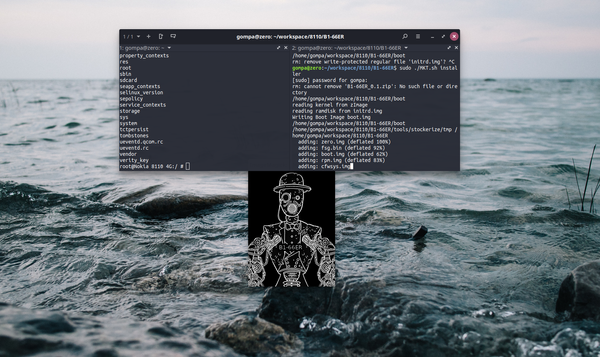
8110 4g B1-66ER B1-66ER is a custom rom for the nokia 8110 its based on the v17.00.17.01 rom and updated with parts from the 2720 v21 firmware and some tweaks from gerda os Features * addblock * all apps removable * whats app * twitter * facebook * kaios store * custom startup sound * screen shot with